
Partners



Why choose data recovery specialists?
SSD data recovery is very complex and in fact much more difficult to deal with than traditional hard drives. Most SSD drives have onboard encryption which makes data recovery harder. If the encryption key cannot be retrieved from the drive's CPU then it is not possible to recover the data.
Datatech is the only company in Iceland that specialises in data recovery and has been active in the field since 2012, with specialised technical equipment and the expertise to complete the work locally.
Our specialists have over 22 years of experience solving complex data recovery projects. They have received training from international leaders in data recovery such as ACE lab and hold active certifications from them.
First steps make all the difference
It is important that you know what you are doing when it comes to data recovery from SSD drives, and so it is important to seek help from a professional immediately rather than turning to regular computer repair shops, as first steps make all the difference and it is critical that the technician knows exactly what they are doing.
If you want to maximise the chances of recovering deleted data from a computer with an SSD or NVMe drive, the safest course is to unplug the computer from power immediately, do not shut it down. Just pull the plug and the sooner the better.
- Do not try YouTube "fixes" on the drive
- Do not use free data recovery software
- Do not put the drive in the freezer
- Do not take the drive to a regular computer repair shop
- Do not remove the drive and try to read it with another computer
- Unplug the computer from power immediately, do not shut it down
We recover data from all types of SSD drives
We recover data in these cases:
- NAND flash memory failures
- Controller failures
- Firmware problems
- Encrypted data (BitLocker, FileVault)
- TRIM and wear levelling problems
- Onboard encryption
Common symptoms
- Drive not detected by operating system
- BIOS/UEFI does not recognise the drive
- Computer won't boot
- Very slow SSD drive
- Corrupted files or folders
- Accidental formatting or deletion
Did you accidentally delete data from an SSD drive?
SSD drives are more difficult when it comes to recovering deleted data due to the so-called TRIM function or "Garbage collection". This function permanently deletes data blocks after the operating system sends a deletion command.
Unlike hard drives, which only hide data from the operating system without permanently deleting it, SSD drives delete the data completely.
Important: If you want to maximise the chances of recovering deleted data from a computer with an SSD or NVMe drive, the safest course is to unplug the computer from power immediately, do not shut it down. Just pull the plug and the sooner the better. Do not remove the drive and try to read it with another computer, this will permanently delete the data.
Frequently asked questions about SSD data recovery
Answers to common questions about data recovery from SSD drives
What is the difference between a hard drive and an SSD?
SSD drives store data in a completely different way from hard drives. SSD drives use flash memory and have no magnetic platters, read heads or moving parts. They are more resistant to knocks and impacts. Most SSD drives have onboard encryption which makes data recovery more complex. SSD drives are approximately 100x faster than hard drives.
Is it possible to recover data after formatting an SSD?
Data recovery after formatting an SSD is very rare because SSD drives work completely differently from hard drives. Most modern SSD drives have TRIM functionality or "Garbage collection" which permanently deletes data blocks after the operating system sends a deletion command. Unlike hard drives, which only hide data from the operating system without permanently deleting it.
What does SSD data recovery cost?
The price of SSD data recovery depends on the condition of the drive. Since there are countless types of SSD drives, each case is assessed individually. A fixed quote is given after diagnostics. If the customer declines the quote, a diagnostic fee is charged according to the price list.
Why is SSD data recovery expensive?
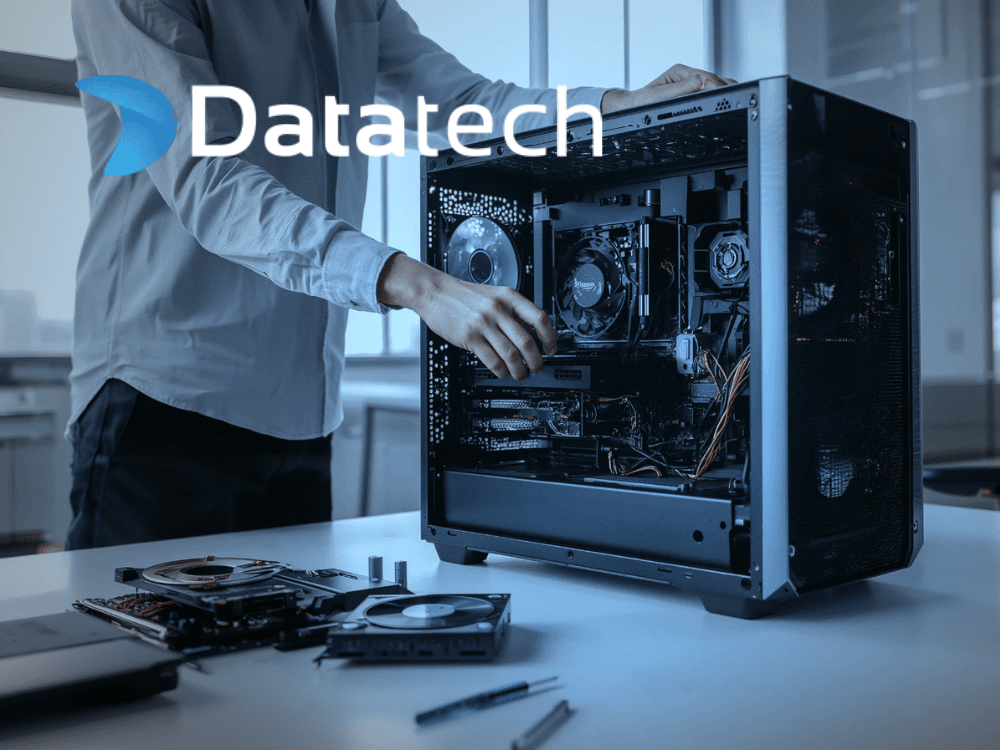
SSD data recovery requires specialised hardware to read directly from NAND/Flash chips. In addition, specialised software is needed to process encrypted data and rebuild file systems.
- Specialised equipment (PC-3000 SSD, DeepSpar)
- NAND reader for copying data directly from flash chips
- Specialised software from ACE lab and others
- Each case requires a unique approach due to the variety of SSD drives
- Staff require specialist training through annual courses at ACE lab and other manufacturers
- Annual subscriptions to specialised software that are renewed yearly
What do our customers say?
We are proud of our outstanding service and results
I received exemplary service. My personal computer data was, for good reason, mostly stored on one drive, which suddenly became unreadable. After a fault analysis I was referred to Datatech. There the data was recovered 100%. All communication was as good as it could be.
Bjarni Frímann Karlsson
Really fast and professional service. Recovered my data 100% and was always available to answer any questions. Highly recommend.
Helga Lilja Magnúsdóttir
I received very good service. The intake process is simple and smooth. The service is carried out quickly and safely. In my case it was a difficult project but I got all my data back.
Þorgeir Arnórsson
Other data recovery services
We also offer data recovery from other types of storage media
How to send equipment to us?
Create a service request
Fill in the form on our website
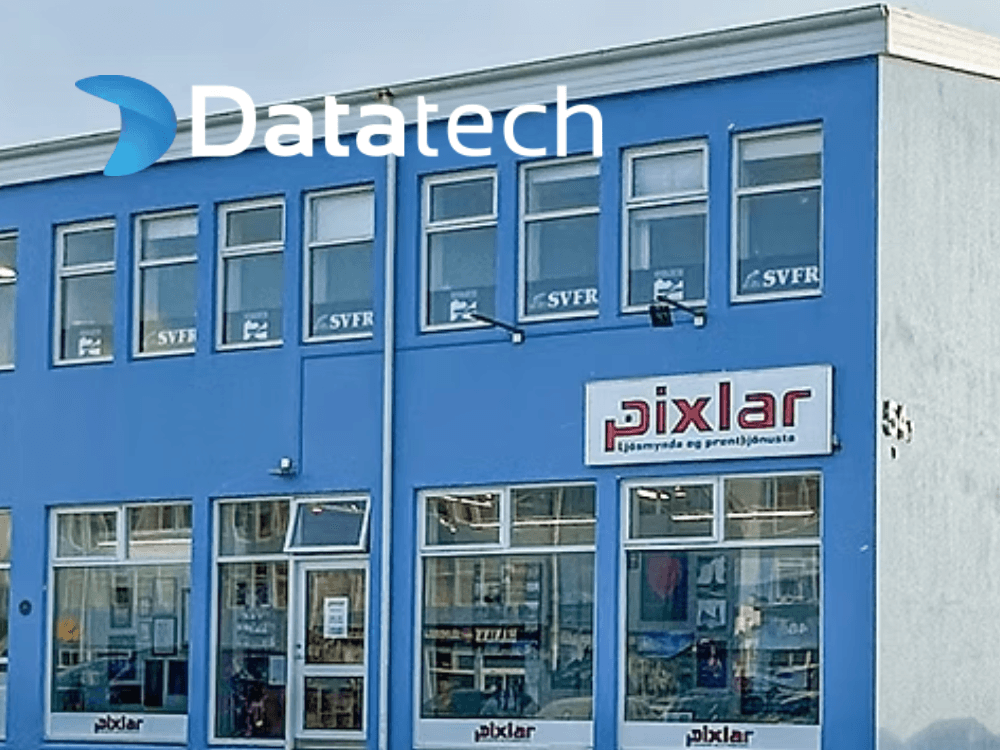
Bring the device to Pixlar
Suðurlandsbraut 54, 108 Reykjavík
Get a diagnostic and quote
You accept or decline the offer
Pixlar – Drop-off Location
Suðurlandsbraut 54, 108 Reykjavík
Weekdays: 10:00 – 18:00
Saturdays: 11:00 – 15:00
Equipment can also be sent by post. Contact us for instructions.
Did you lose data from an SSD drive?
Create a service request and bring your equipment to us, even if you have been told elsewhere that nothing can be done to recover your data. We are specialists in data recovery with expert knowledge in the field and use specialised recovery equipment from ACE lab, DeepSpar and HDD Surgery to ensure maximum success.