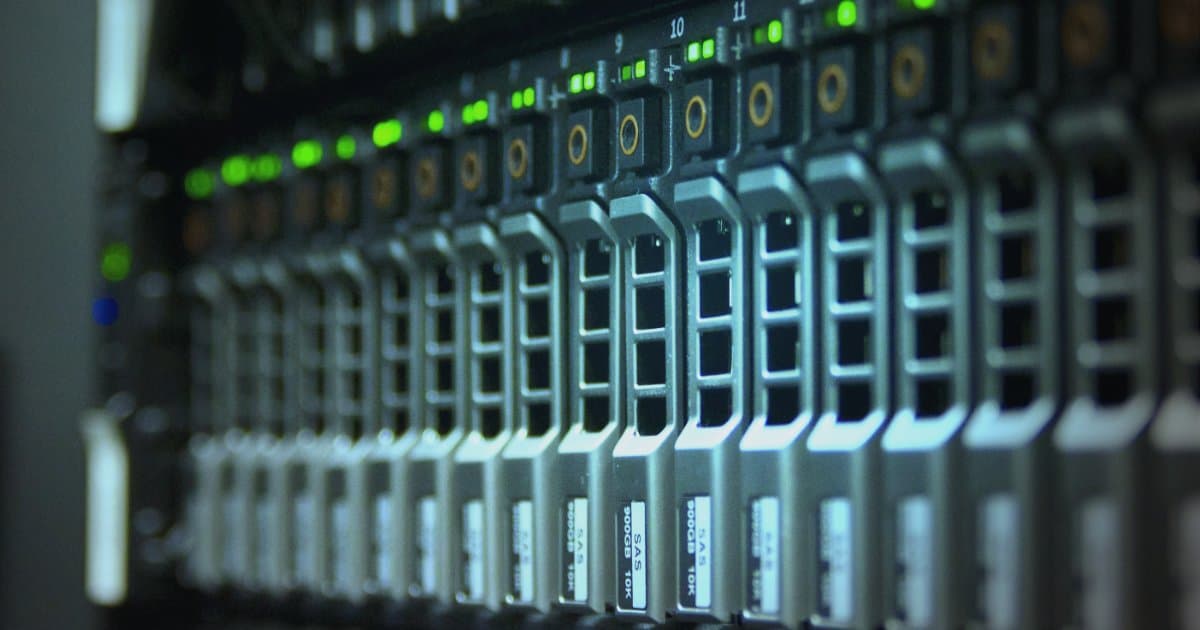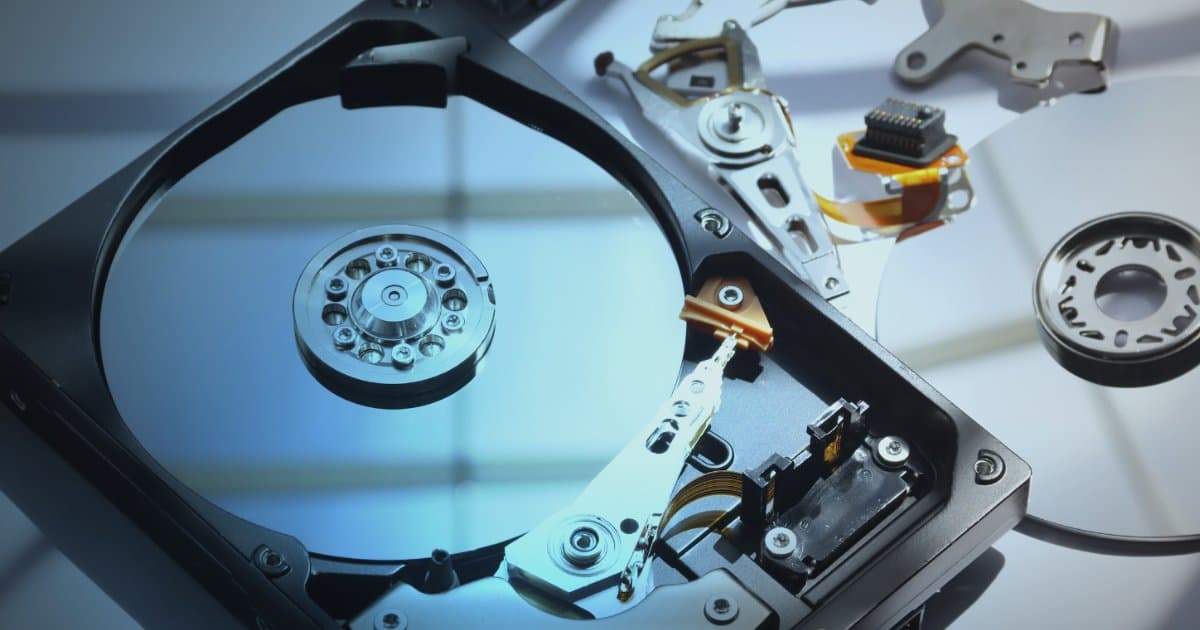

For decades, traditional hard drives (HDD) were the dominant data storage technology. When a file was deleted from such a drive, it was not actually erased right away. The file system merely marked the space the file occupied as free and removed the reference to it from the drive's "table of contents", but the data itself stayed untouched until new data was written over it. This gave data recovery specialists the opportunity to recover data long after it had been deleted.
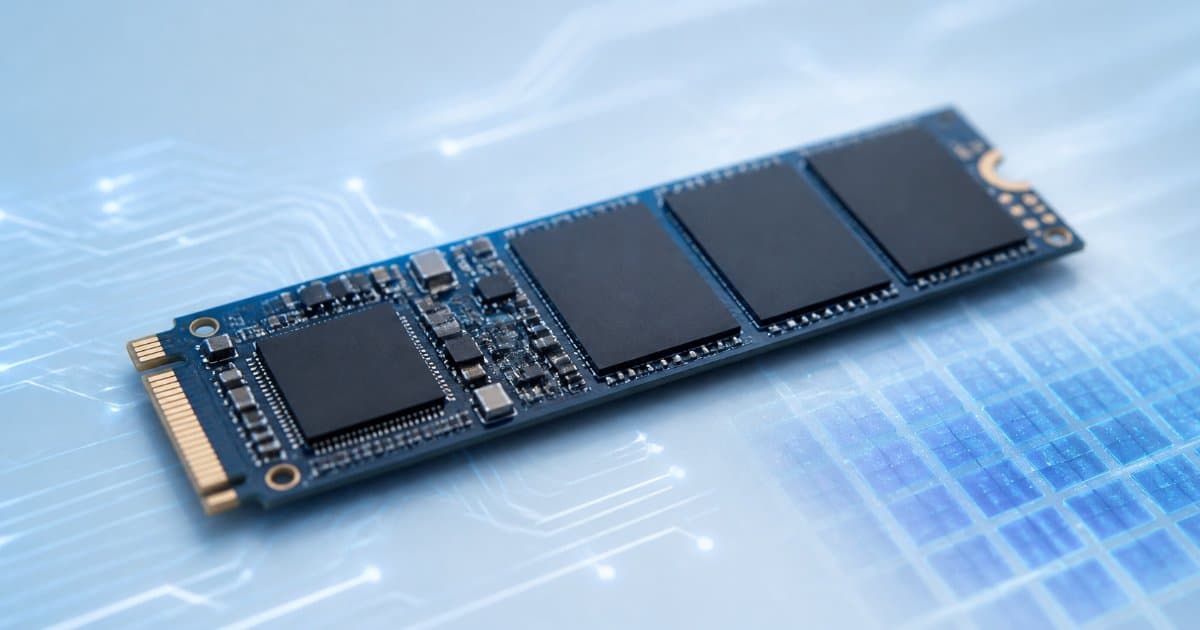
With the arrival of SSDs (Solid State Drives), this landscape changed completely. SSDs use NAND flash memory instead of spinning magnetic platters, and they require an entirely different approach to data management. This is where TRIM comes in: a technology that matters a great deal for drive performance but is at the same time one of the biggest enemies of data recovery.
What is TRIM?
TRIM is a command the operating system sends to an SSD to tell it which data blocks are no longer in use. The name TRIM comes from the ATA standard used by SATA drives. In SCSI and SAS environments the equivalent command is called UNMAP, and on NVMe drives it is called Deallocate.
When you permanently delete a file, the operating system sends a TRIM command to the drive that effectively says: "These blocks are now free, you may clear them."
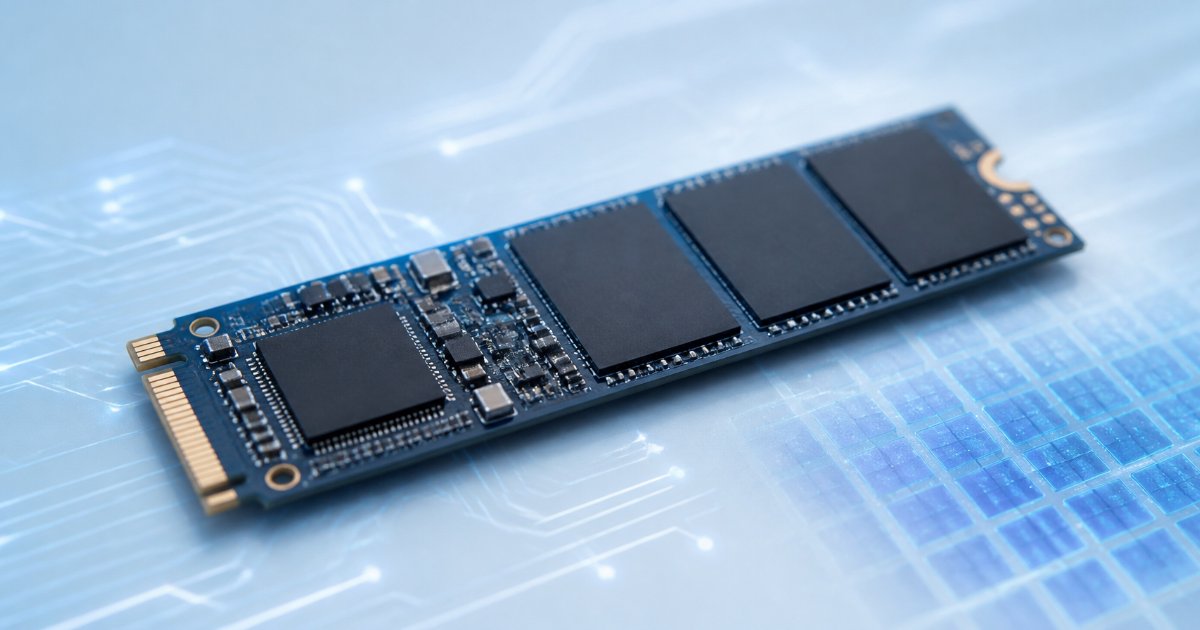
The reason lies in the nature of NAND flash memory. Unlike hard drives, an SSD cannot write new data directly on top of old data. Data is written in pages, but only whole blocks (erase blocks), each containing hundreds of pages, can be erased. A block therefore has to be erased before it can be written to again (erase-before-write). The drive's controller manages this with a translation table, the so-called FTL (Flash Translation Layer), which maps the operating system's addresses to actual locations in the memory chips.
TRIM tells the controller which pages no longer contain valid data. The drive then no longer has to preserve them or copy them between blocks when it performs housekeeping, and it can erase the blocks in the background so they are ready when new data needs to be written.
Why does TRIM matter for speed?
Without TRIM, the drive does not know which data the operating system has deleted. It therefore keeps preserving and moving data that nobody needs anymore. When erased blocks run out, it has to do housekeeping at the same moment as it writes (read valid data, move it, erase a block and write), and write speed then drops, especially when the drive is nearly full.
TRIM helps the drive to:
Maintain write speed: The drive has more "clean" blocks ready for new data.
Perform garbage collection more efficiently: Garbage collection does not need to copy data that has already been deleted, which reduces so-called write amplification.
Last longer: Fewer unnecessary writes mean less wear on the memory chips. Wear leveling, which spreads writes evenly across the chips, is an independent process in the controller but benefits from the extra free space.
In short: TRIM helps the SSD maintain performance and endurance throughout its lifetime.
Is TRIM enabled on my system?
TRIM is enabled automatically on the vast majority of computers today.
Windows: Enabled automatically since Windows 7 (2009). NTFS sends TRIM as soon as a file is permanently deleted, and Windows also regularly runs Optimize Drives, which sends TRIM for all free space.
macOS: Enabled automatically on Apple's own SSDs since Mac OS X 10.6.8 (Snow Leopard). On third-party SATA drives it has to be enabled separately with the
trimforcecommand, while NVMe drives get it automatically.Linux: Most distributions (Ubuntu, Fedora, etc.) run
fstrimautomatically, usually once a week, instead of sending TRIM on every deletion.
If your computer has an internal SSD and a recent operating system, you can assume TRIM is enabled. Exceptions include external SSDs in USB enclosures, which do not always pass TRIM through, and some RAID arrays. In those cases the chances of recovery are often better.
TRIM and data recovery: The big problem
This is where things get difficult for anyone who needs to recover deleted data.
As soon as the drive receives a TRIM command, the controller removes the mapping between the addresses and the data in the memory chips. Most modern SSDs then return only zeros if you try to read those areas, even though the data may still remain in the chips for a while. Later, garbage collection erases the blocks, and the data is then permanently gone from the chips themselves.
For the user and for all conventional data recovery software, this amounts to the data vanishing the moment TRIM arrives. In isolated cases it is possible to reach data that garbage collection has not yet erased, using specialized equipment that talks directly to the controller. That depends, however, on the type of controller and firmware, and since most newer SSDs encrypt all data in the chips, it is often impossible.
The difference is therefore this:
HDD: You delete a file → The space is marked as free → The data is still on the drive → Often recoverable.
SSD with TRIM: You delete a file → The operating system sends TRIM → The drive returns zeros and erases the blocks later → The data is gone in the vast majority of cases.
What makes this even harder is the speed. On Windows and macOS, TRIM is usually delivered instantly or within a few seconds of emptying the recycle bin. On Linux machines that run fstrim weekly, the window can be longer.
The technical side (for advanced readers)
SATA drives report how they behave when read after TRIM. DRAT (Deterministic Read After TRIM) means that reading the area always returns the same data, and RZAT (Read Zeroes After TRIM) means that it always returns zeros. NVMe drives report equivalent information in the DLFEAT field. It is the translation table that returns the zeros, not the chips themselves: an erased NAND block actually contains nothing but 1 bits (0xFF). For the user this amounts to complete data loss, even though garbage collection has yet to erase the blocks.
What should I do if I deleted important data from an SSD?
Although the situation is harder than with HDDs, all hope is not necessarily lost. Here are the most important steps:
1. Power off the computer immediately
This is the most important step. While the computer is running, the operating system can keep sending TRIM commands and the drive keeps doing housekeeping (garbage collection). Cut the power without delay, for example by holding down the power button, rather than shutting down the computer in the normal way, because during a normal shutdown the operating system still writes to the drive.
2. Do not install data recovery software
Do not download or install data recovery software on the same drive the data was on. Doing so writes new data to the drive, and on an SSD with TRIM active, such programs rarely find anything but zeros.
3. Do not connect the drive to another computer
If you can remove the SSD from the computer, do not connect it to another computer. As soon as the drive receives power, garbage collection can continue, and some operating systems send TRIM for free space when a drive is connected. The drive has to be connected to specialized data recovery equipment that prevents TRIM from being sent and where all communication with the drive goes through a write blocker. In many laptops, for example all newer MacBooks, the SSD memory is soldered to the motherboard and encrypted with a key bound to the hardware. In that case the drive cannot be removed, and the computer itself has to be brought to us.
4. Contact the specialists
At Datatech we are data recovery specialists and can assess whether TRIM has already finished the job or whether there is still hope. Submit a request and we will get in touch.
How Datatech approaches data recovery from SSDs
Datatech has specialized in data recovery since 2012 and uses the most advanced equipment available, including the PC-3000 SSD from ACE Lab.
Our approach includes:
Technological mode (techno mode): With the PC-3000 SSD we put the drive's controller into technological mode and load special software (a loader) in place of the drive's firmware. Garbage collection then does not run and we gain access to the translation table and the data, even when the drive no longer responds in the normal way.
Reconstruction: The most common cause of data loss on SSDs is a controller or firmware failure, not deletion. If the drive failed before TRIM arrived or before garbage collection managed to erase the blocks, we can often reconstruct the translation table and recover the data intact.
An honest assessment: If TRIM has wiped the data, we tell you right away, so you do not spend money on a hopeless task.
You can read more about the service on the page Data recovery from SSDs.
Closing words: The best defense is a good offense
SSDs are a great technology that has revolutionized computing. They are many times faster than the old hard drives, especially for random reads and writes. TRIM is, unfortunately, a necessary part of that technology.
To protect your data:
Back up regularly: Follow the 3-2-1 rule: three copies of your data, on two different media, with one of them off-site.
Cloud solutions: OneDrive, Google Drive and Dropbox are a good addition for your most important documents, but keep in mind that syncing is not backup. If a file is deleted on the computer, it is deleted in the cloud too. Read more about the security of cloud data.
Be careful: Remember that Shift+Delete or emptying the recycle bin on an SSD is in effect a final action.
If you have accidentally deleted data from an SSD, power off the computer immediately and contact us. Every minute counts.